Building a custom mechanical keyboard is as much about personal feel as it is about looks, and nowhere is that more obvious than when picking the right switch. CHERRY MX switches have long been the benchmark against which every other option gets measured, and for good reason. The company's story stretches back to Illinois in 1953, before the switch division made its way to Germany in 1979, eventually giving the world its first proper MX switch in 1983 with the original Black. Since then, the lineup has grown into a genuinely varied family of options, each suited to a different kind of typing hand, gaming reflex, or working style.
What to know
- Cherry MX offers a diverse range of mechanical switches, categorized into linear, tactile, clicky, silent, and low-profile types to suit different user needs.
- Linear switches like the MX Red, Black, and Speed Silver provide smooth, uninterrupted keystrokes that are highly favored by gamers for fast inputs.
- Tactile and clicky switches, such as the MX Brown and Blue, offer physical or audible feedback that is preferred by many typists and programmers for precision.
- Key performance factors such as actuation force, pre-travel distance, and tactile feedback dictate how a switch performs during gaming or heavy typing sessions.
- Cherry MX has enhanced its switches with Hyperglide technology, significantly increasing the durability and longevity of their standard models.
- Low-profile and silent switch variants provide specialized options for users needing compact designs or quieter environments without sacrificing performance.
- While alternatives like Outemu exist as budget-friendly options, Cherry MX remains the industry benchmark for consistent quality and reliability in mechanical keyboards.
Understanding cherry mx switch varieties and their distinct characteristics
What makes the CHERRY MX range so enduring is the sheer breadth of choice on offer. Rather than a single switch trying to do everything, the brand splits its options into distinct families: tactile, linear, speed, silent, and low profile switches. Each has its own actuation force, travel distance, and feel underfoot, so to speak, when you press a key. This variety means someone typing all day and someone gaming competitively at night can both find a switch tailored to their needs, without compromise.
Linear switches: red, black, and silver speed options
For gamers, the linear category tends to be the natural starting point. The MX RED switch is perhaps the most iconic gaming switch on the market, offering a smooth, uninterrupted keystroke with an actuation force of around 45cN and a lifespan rated beyond 100 million keystrokes. There's no bump, no click, just a clean press that lets fast, repeated inputs feel effortless. The MX BLACK, meanwhile, asks a little more of your fingers with a firmer 60cN resistance, which many gamers who prefer heavier keys find helps avoid accidental presses during intense sessions. Then there's the MX SPEED SILVER, engineered specifically with a shorter pre-travel distance so your inputs register that fraction of a second sooner, a detail that can genuinely matter in fast-paced competitive play. All three share that same durability rating past the 100 million actuation mark, so longevity is never really a concern with this family.
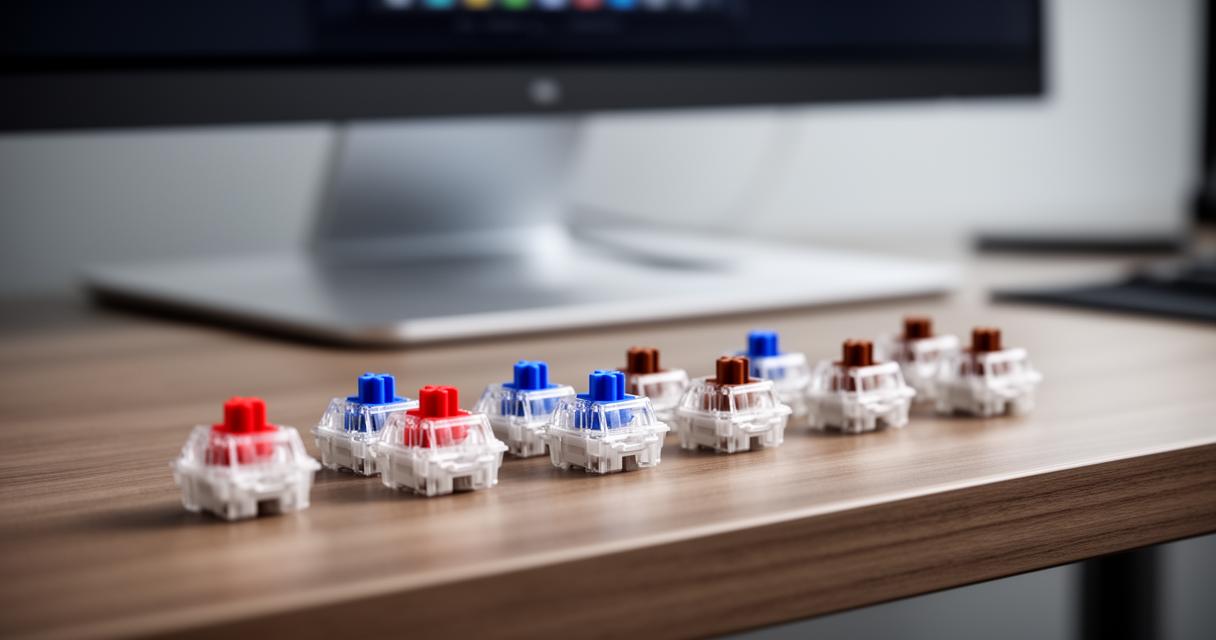
Tactile and Clicky Alternatives: Brown and Blue Switch Profiles
Not everyone wants a silent, frictionless keystroke, though. The MX BROWN switch introduces a subtle tactile bump partway through the press, giving your fingers a gentle confirmation that the key has registered without the noise of a full click. This makes it something of an all-rounder, equally comfortable for gaming, typing, and general office work, and it explains why so many programmers and writers gravitate towards it. If you want that feedback amplified into an audible click, the MX BLUE is the classic choice, favoured by typists who enjoy the satisfying sound and feel of each keystroke landing. It does carry a slightly shorter lifespan of around 50 million keystrokes rather than the 100 million seen elsewhere, though for most users that's still years upon years of daily use. There's also the MX GREEN, essentially a heavier-handed sibling to the Blue, built for those who prefer more resistance in their clicky switches.
Key Performance Factors: Activation Distance and Tactile Feedback for Gaming
Beyond the basic red, brown, or blue labels, the real differences that matter for performance come down to a few technical details: how far you need to press before the key registers, how much resistance stands in your way, and what kind of feedback you get once you get there. These factors shape everything from how quickly you can chain inputs together to how tired your fingers feel after hours of use.
Switch actuation speed and response time considerations
Pre-travel distance and actuation force work together to determine how a switch behaves under pressure, quite literally. Shorter pre-travel, as found in the Speed Silver, means less physical movement is required before a key registers, which translates into marginally quicker responses. Cherry has also introduced Hyperglide technology to several of its newer switches, a refinement that doubles the guaranteed durability compared to earlier generations, giving enthusiasts even more confidence in switches that already outlast most keyboards several times over. For those building rigs with space or weight constraints, the low profile switches shave around 35% off the height of a standard switch, while still delivering the same actuation feel, and there's even an ultra low profile option designed for slim notebooks, rated for a more modest 15 million keystrokes given its more compact internal design.
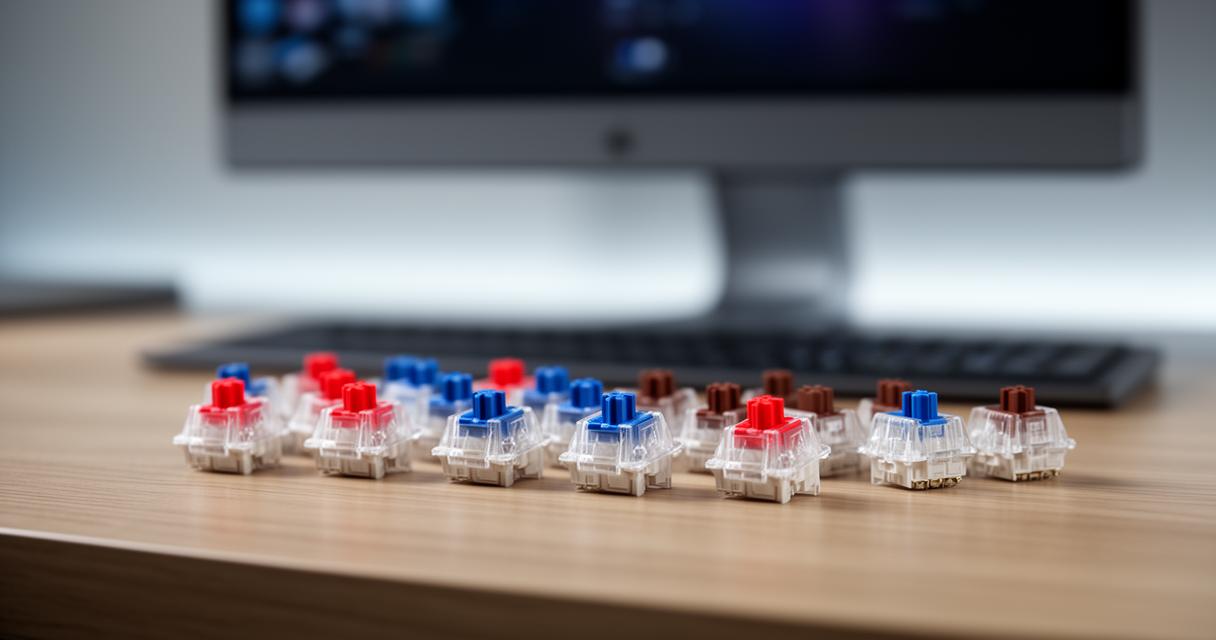
Tactile Feel and Feedback Types for Different Gaming Styles
The right feedback type really depends on the kind of gaming or typing you do most. Fast-paced shooters tend to favour linear switches because there's nothing interrupting the keystroke, letting fingers glide from one input to the next. Strategy games or general typing work, on the other hand, often benefit from tactile feedback, since the bump gives a clear sense of when a press has actually registered without needing to bottom out the key. Those who work in shared spaces or simply prefer a quieter setup might lean towards the MX SILENT range, which mutes both the upstroke and downstroke while keeping the same actuation force profile as their standard counterparts, offering a specification of 45 or 60cN depending on the exact variant chosen.
Comparing cherry mx with alternative mechanical switch brands
Cherry might have set the standard, but it's certainly not the only name in the switch game, and it's worth understanding how the alternatives stack up before committing to a build.
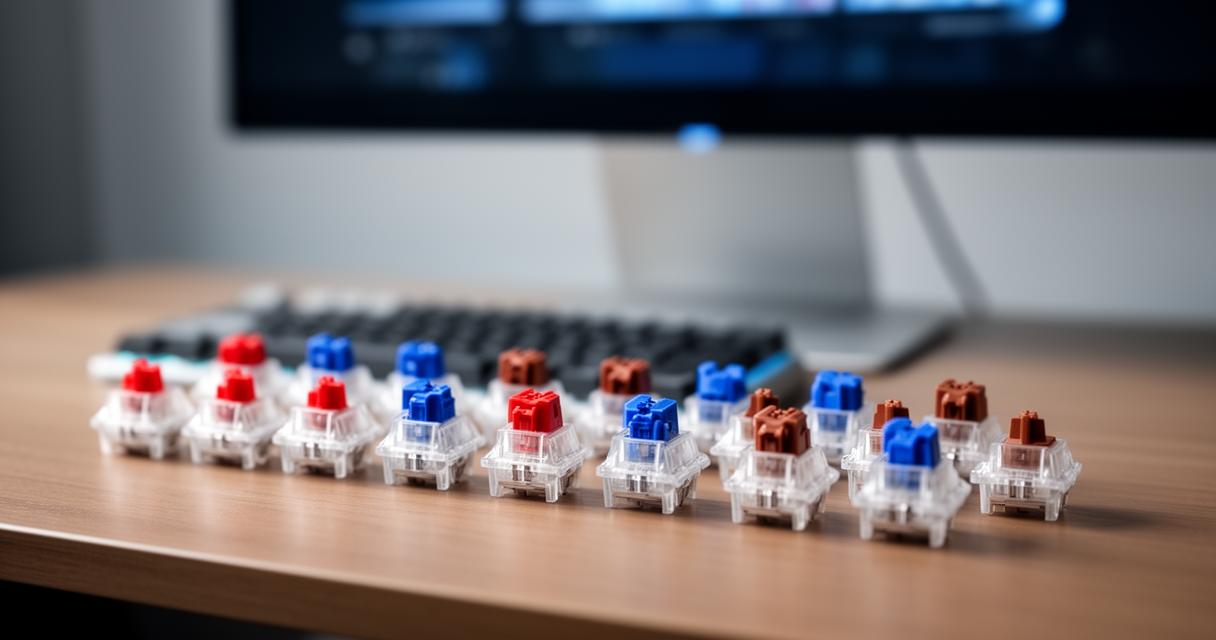
Cherry mx versus outemu: quality and performance differences
Outemu switches have become a popular budget alternative, often bundled into more affordable mechanical keyboards. They mimic the colour-coded naming convention Cherry popularised, offering their own red, blue, and brown equivalents. The trade-off tends to be consistency and longevity. Where CHERRY MX switches are engineered and tested to guarantee ratings well beyond 100 million keystrokes on most models, Outemu switches often fall short of that benchmark and can show more variance from unit to unit. For casual use, that difference might not be noticeable, but serious gamers and daily typists tend to find the smoother, more reliable action of genuine Cherry switches worth the extra cost.
Logitech's mechanical offerings and rgb integration options
Logitech, meanwhile, has taken a slightly different approach, developing its own proprietary switches for many of its gaming keyboards while also licensing Cherry switches for select premium models. Where Logitech tends to shine is in the software and lighting integration, offering polished RGB lighting customisation through its companion apps, letting users sync effects across an entire keyboard accessories setup. Cherry, for its part, has responded with its own RGB-ready switch housings, designed with clear or translucent casings that let light shine through more evenly, ensuring that anyone building a custom board doesn't have to sacrifice switch quality for visual flair. Ultimately, whether you lean towards Cherry's mechanical pedigree or Logitech's software polish, the good news is that today's market makes it entirely possible to have both a switch that feels exactly right under your fingers and a keyboard that looks the part too.